Sonic Bloom
Travel through a procedurally generated maze while fighting enemies and reversing time.
Visual Effects
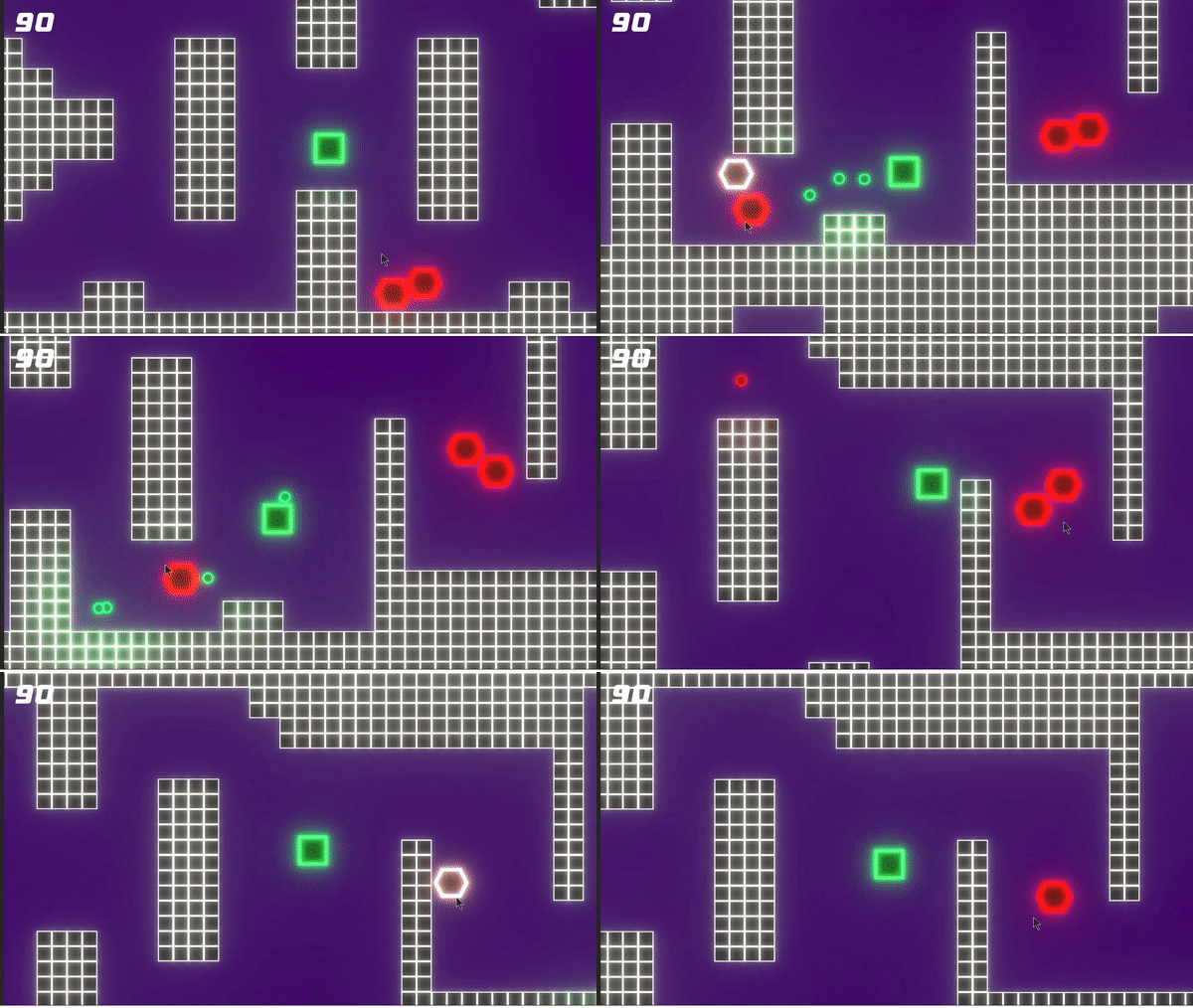
The main visual effects used in Sonic Bloom are Saturation, Hue Shift, Bloom, and particle effects
Saturation is used to create a "black and white" effect when the player is reversing time.
Hue shift is used to change all the colors on the screen as an indication that the player has taken damage.
Bloom is the effect that causes everything to have a neon-like glow.
Particle effects are used to create an explosion of light when an enemy is destroyed.
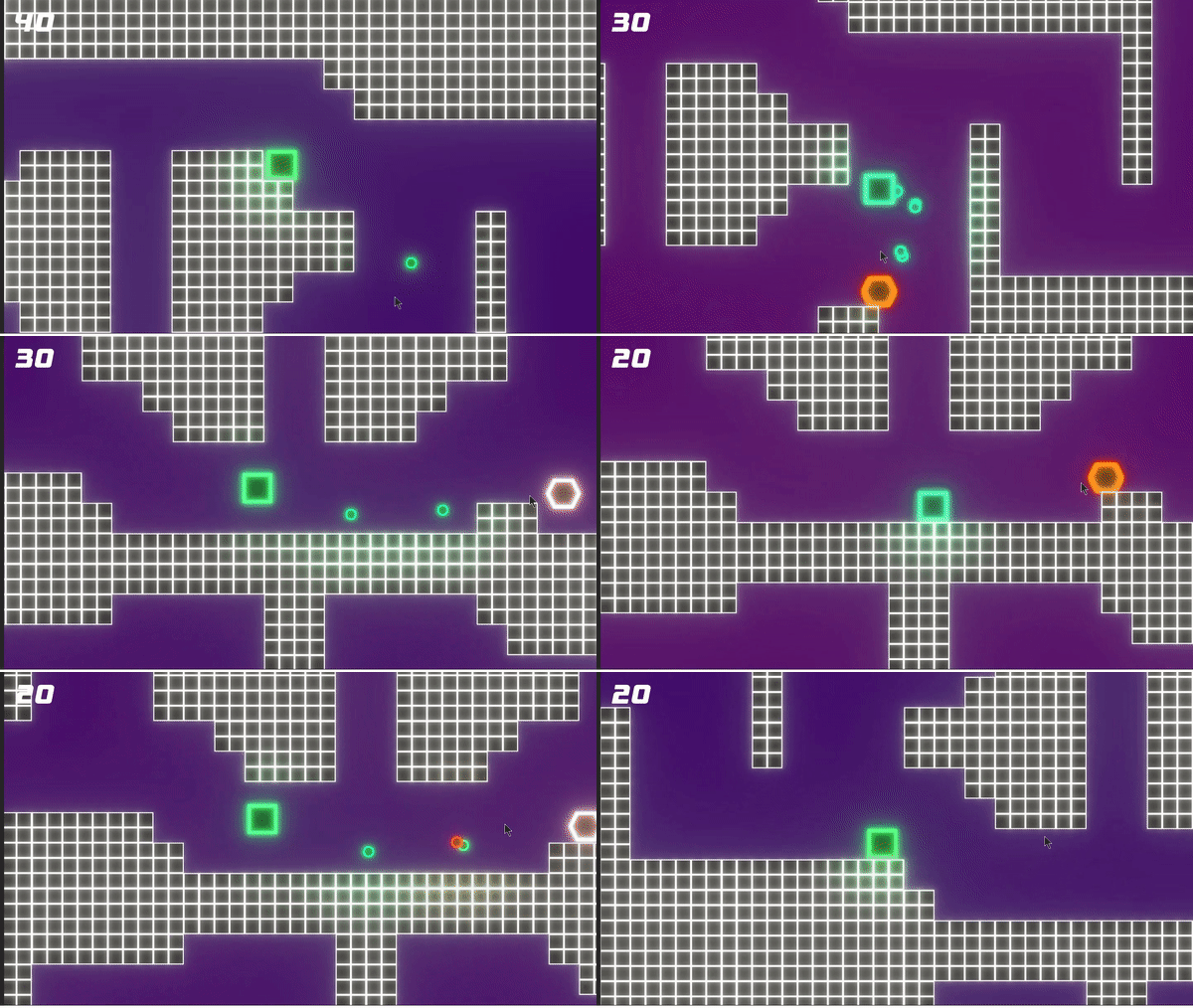
Command Pattern
The Command Pattern is the programming pattern that allows players to reverse time in the game. When a player takes an action, the game will put that action in a list. When the player is rewinding, the list of actions is executed in reverse, resulting in a rewind effect. The enemies and bullets also will rewind when the player does, but enemies and bullets that are destroyed will not come back into existence.
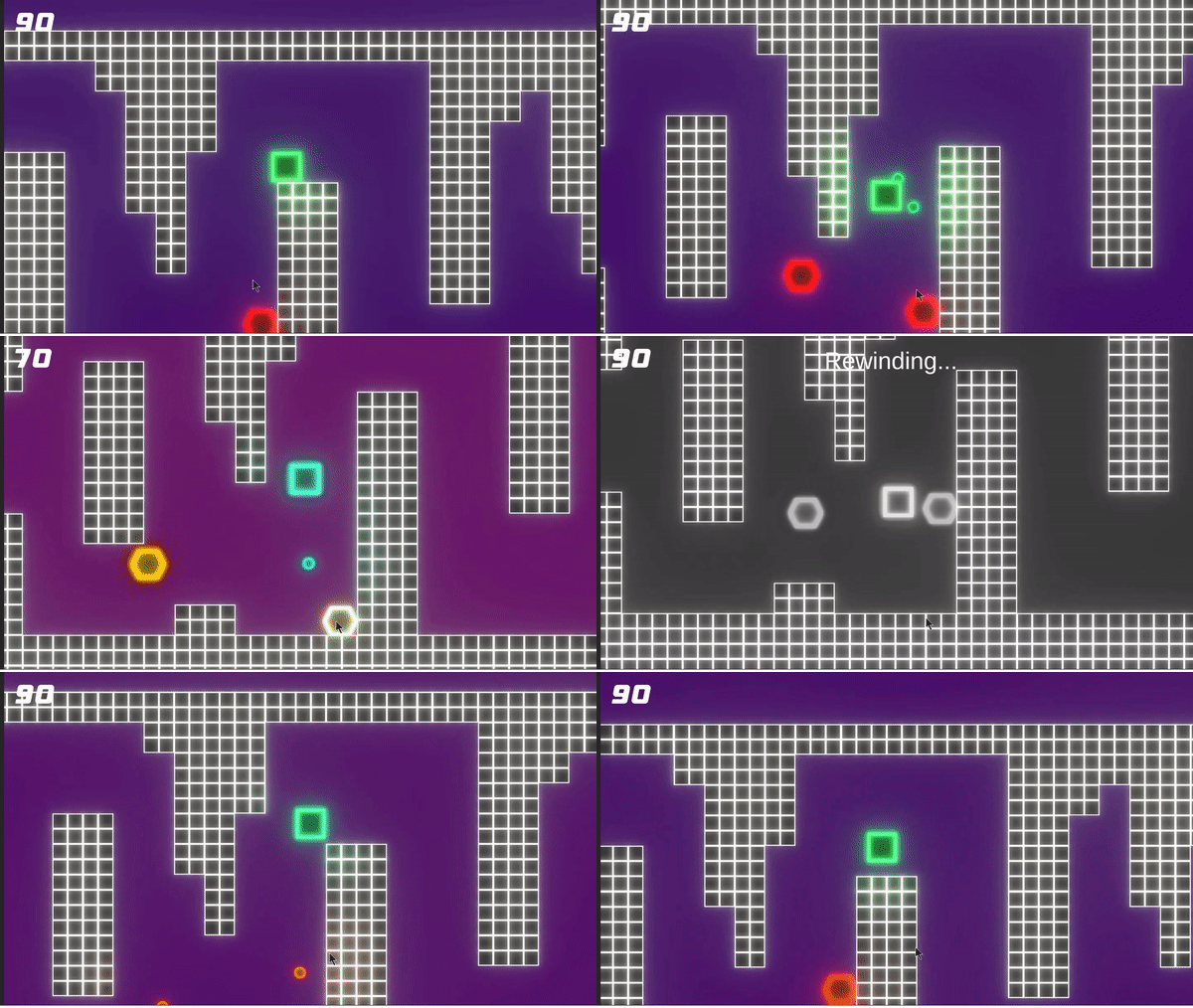

Enemy AI
The enemies in the game are very simple, but the way they move is unique. Enemies try to maintain a certain distance from the player, meaning that they will move further away if the player is too close and will move closer if the player is too far.
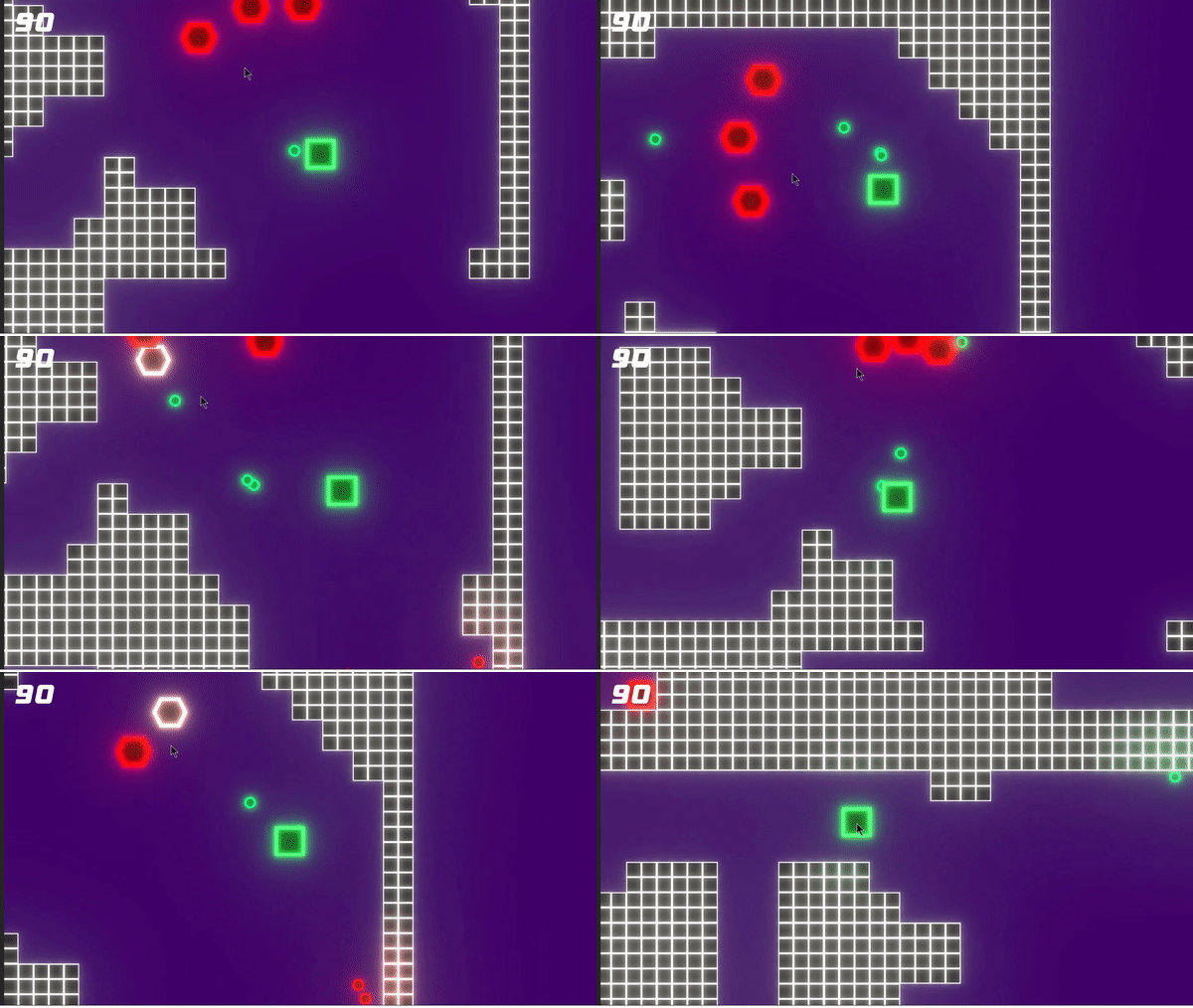

Procedural Generation
The map is created as a 6x6 grid where each square is replaced by a random pre-made room. At the beginning and end of each row is a corner room where the player can move up to the next row. After the map is created, enemies are placed randomly in the areas not occupied by walls.
